


- Advertisement -
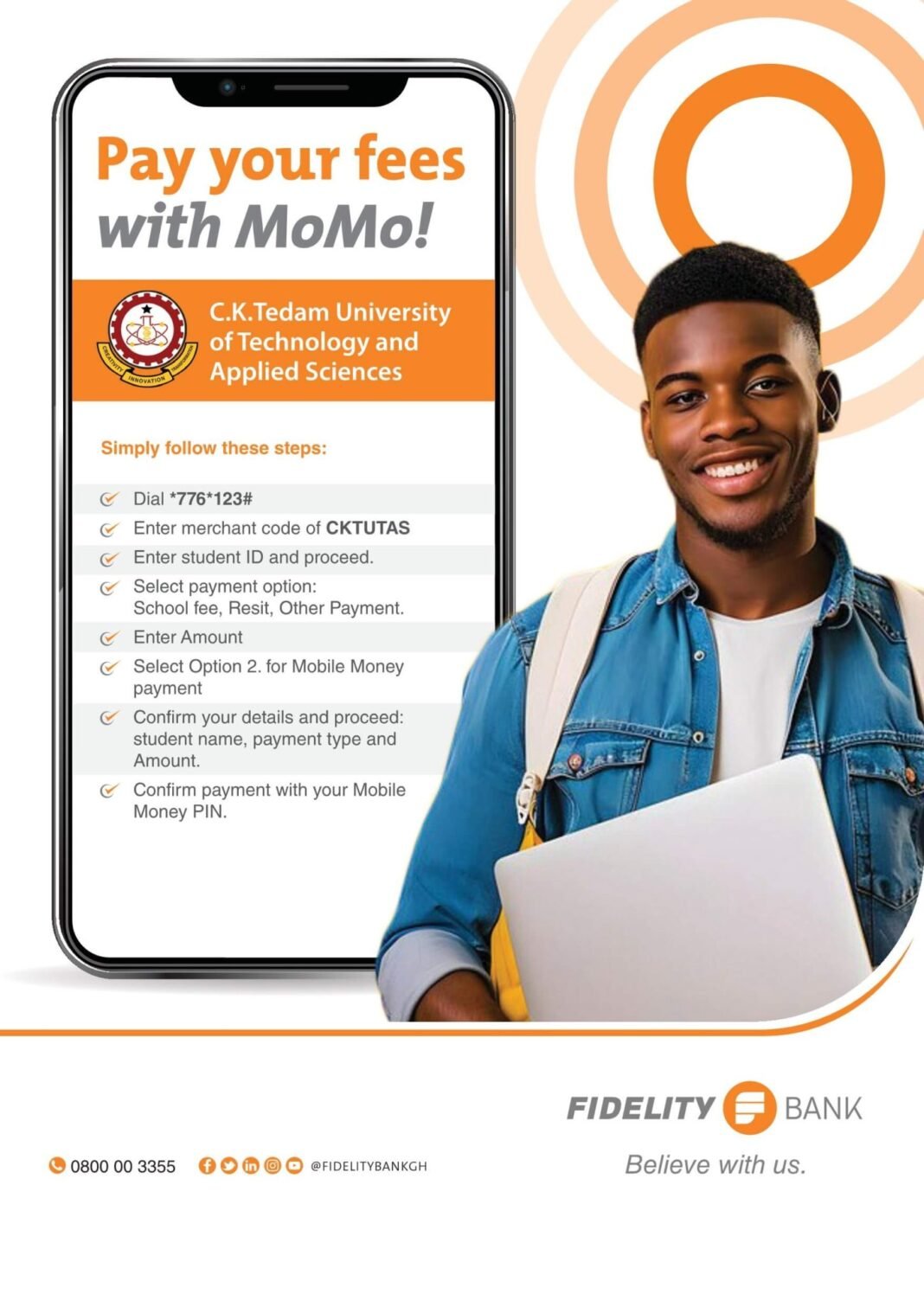
Paying your fees at C.K. Tedam University of Technology and Applied Sciences (CKT-UTAS) is straightforward with Mobile Money (MoMo).
READ ALSO:
- Advertisement -
How to Pay Your Fees at C.K. Tedam University: A Step-by-Step Guide for Bank
How to Pay your Fees with MoMo (Mobile Money)
Follow these simple steps:
- Advertisement -
Steps to Pay with MoMo
- Dial the Payment Code
- Dial *776*123# on your mobile phone.
- Enter Merchant Code
- Type
CKTUTASwhen prompted.
- Type
- Provide Your Student ID
- Enter your Student ID and proceed.
- Select Payment Option
- Choose the relevant payment type:
- School Fee
- Resit
- Other Payment
- Choose the relevant payment type:
- Enter Payment Amount
- Input the total amount you wish to pay.
- Choose Payment Method
- Select Option 2 for Mobile Money payment.
- Confirm Payment Details
- Verify the following information:
- Student Name
- Payment Type
- Amount
- Verify the following information:
- Complete the Payment
- Confirm the payment by entering your Mobile Money PIN.
Tips for a Smooth Transaction
- Ensure your Mobile Money account has sufficient balance.
- Double-check all details before confirming the payment.
- Save your transaction receipt or reference number for future reference.
Paying your fees has never been easier—secure your spot at CKT-UTAS with just a few taps!
Source: knustnoticeboard.info
- Advertisement -