


- Advertisement -
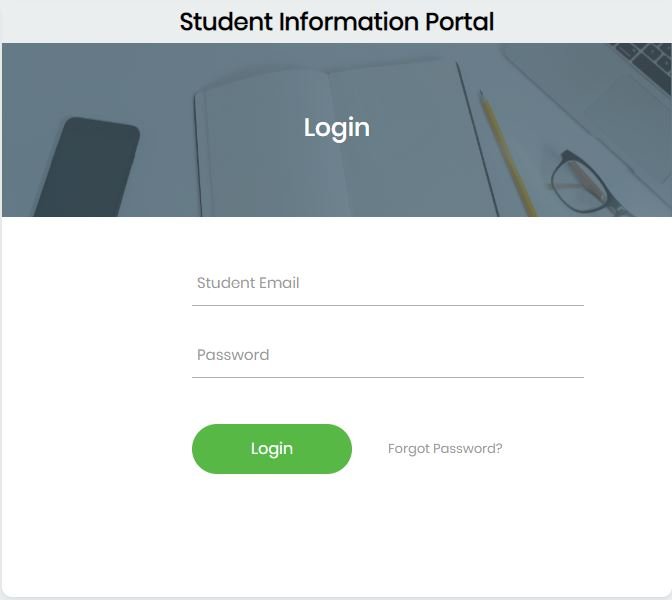
If you have forgotten your password for the University of Education, Winneba (UEW) Student Portal, follow these simple steps to reset it and regain access:
READ ALSO: How to Access and Use UEW Student Portal
- Advertisement -
Steps to Reset Your UEW Student Portal Password
- Visit the UEW Student Portal:
- Go to the password reset page at https://osissip.osis.online/.
- Click on “Forgot Password”:
- On the login page, select the “Forgot Password” option to initiate the reset process.
- Enter Your Student Email:
- Provide your official UEW student email (e.g., 2000145787@st.uew.edu.gh).
- A reset link will be sent to the email address provided.
- Check Your Email:
- Click “Continue” on the portal after entering your email.
- Check your email inbox for the reset link. If the email is not in your inbox, check your spam or junk folder.
- Complete the Reset:
- Click on the reset link in the email and follow the instructions to create a new password.
- Visit Student Records Office (If Needed):
- If you encounter any issues or do not receive the reset email, visit the UEW Student Records Office for assistance.
Tips for a Smooth Process
- Use the Correct Email:
Ensure that you are using your official UEW email associated with your student account. - Strong Passwords:
Choose a strong and unique password for security. - Keep Records Updated:
Regularly check that your contact details on the portal are accurate for future communication.
By following these steps, you can quickly reset your UEW Student Portal password and regain access to essential academic services. For further inquiries, contact the university’s IT support team.
Source: knustnoticeboard.info
- Advertisement -