
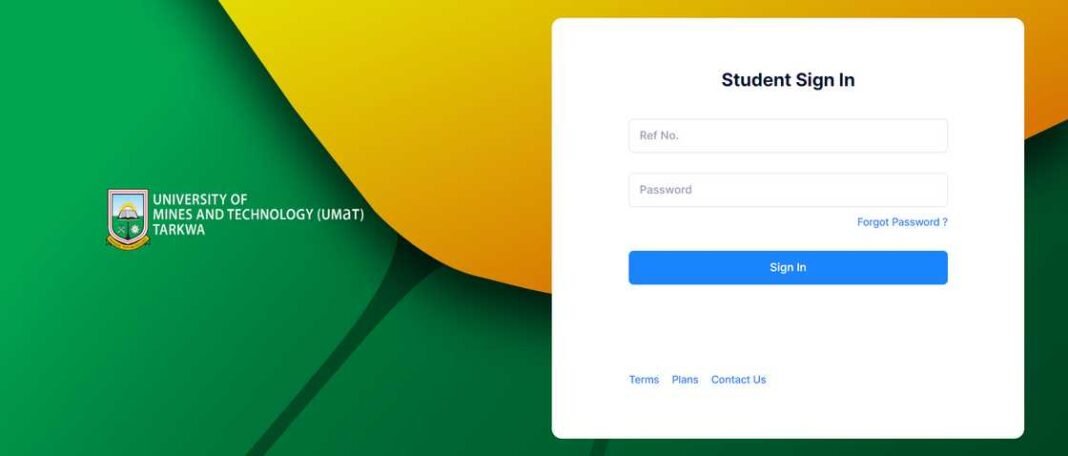


Receiving admission to the University of Mines and Technology (UMaT) is an exciting milestone. However, as a prospective student, you may wonder how to confirm if you’ve been admitted. UMaT provides a straightforward and efficient process to notify applicants of their admission status.
Here’s a step-by-step guide to help you understand how you will know if you’ve been admitted to UMaT.
1. Notification via SMS
Once the University of Mines and Technology selects you for admission, the first step of communication is through an SMS notification. This message is sent to the contact number you provided during the application process.
What to Do If You Receive the SMS
- Carefully read the message to confirm your admission details.
- Note any instructions, including deadlines for fee payments or registration requirements.
What If You Don’t Receive an SMS?
If you suspect you’ve been admitted but haven’t received an SMS, check other notification methods discussed below.
2. Checking the UMaT Admission List Online
UMaT publishes the names of all admitted candidates on its official admission portal. Follow these steps to verify your status:
Steps to Check Online
- Visit the UMaT admission portal: UMaT Admission List.
- Enter your details, such as your application number or name, to search the list.
- If your name appears, congratulations! You have been admitted.
Pro Tip
Ensure you double-check the spelling of your name and any other details entered to avoid errors in your search.
3. Accessing the Admission Letter
Once confirmed, admitted students can log in to their UMaT applicant portal to download their admission letters and other related documents.
Steps to Access the Admission Letter
- Go to the UMaT applicant portal: UMaT Applicant Login.
- Use the pin code and serial number provided during the application process to log in.
- Download and print your admission letter along with any additional documents.
4. Verification Through the Admissions Office
If you’re unable to confirm your admission status through SMS or online methods, you can contact the UMaT Admissions Office directly.
How to Contact the Admissions Office
- Email: Use the official email address provided on the UMaT website.
- Phone: Call the admissions hotline during working hours for assistance.
- In-Person Visit: Visit the UMaT Admissions Office at the main campus in Tarkwa for clarification.
5. What to Do After Admission Confirmation
Congratulations on your admission! Once you’ve confirmed your status, follow these next steps:
1. Pay Admission Fees
Adhere to the fee payment deadline indicated in your admission letter to secure your place.
2. Report to Campus
Report to the hall of residence mentioned in your admission documents. Ensure you meet all registration and orientation requirements.
3. Prepare for Classes
Complete your preparations, including course registrations, acquiring materials, and familiarizing yourself with campus life.
Frequently Asked Questions (FAQs)
What happens if I miss the SMS notification?
You can still check the admission list online or contact the Admissions Office to confirm your status.
What details do I need to log into the applicant portal?
You need the pin code and serial number you received during the application process.
Can I lose my admission offer?
Yes, if you fail to pay the admission fees or meet the deadlines stipulated in your admission letter.
Securing admission to UMaT is the first step toward an exciting academic journey. Stay vigilant, follow the outlined steps, and ensure you complete all necessary procedures to secure your place at this prestigious institution.
Source: knustnoticeboard.info