


- Advertisement -
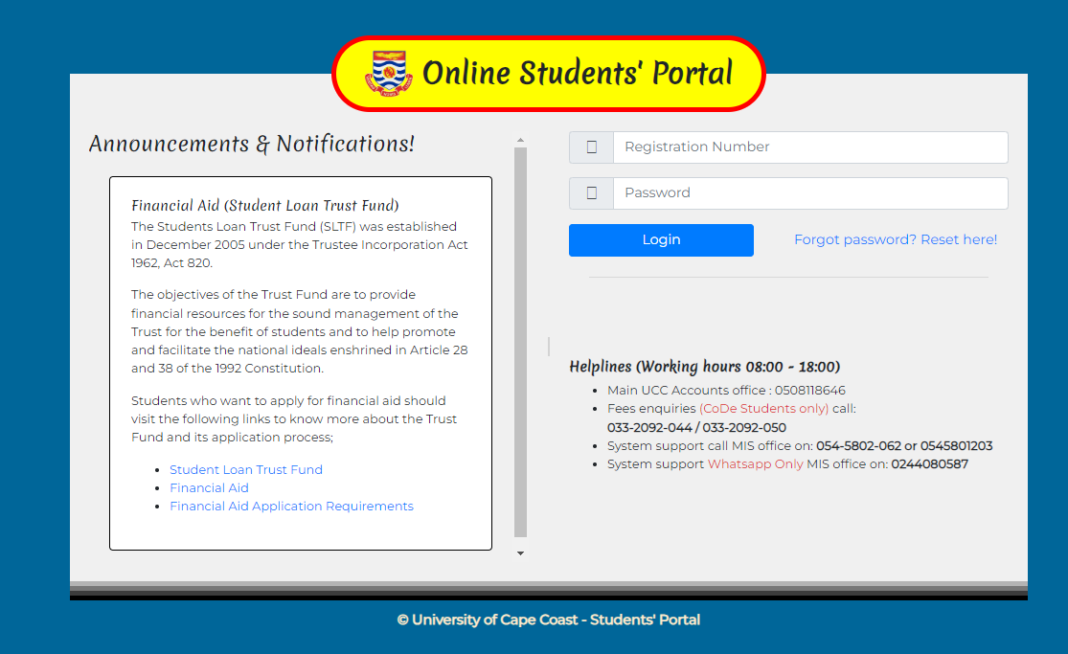
For University of Cape Coast (UCC) students, the Student Portal is essential for managing academic activities like course registration, checking results, and more. Forgetting your password can be frustrating, but resetting it is quick and straightforward.
Here’s a step-by-step guide on how to reset your UCC Student Portal password.
- Advertisement -
Steps to Reset Your UCC Student Portal Password
- Visit the UCC Student Portal
- Open your browser and go to the portal link: https://portal.ucc.edu.gh/reset/login.php.
- Click on “Forgot Password”
- On the login page, locate and click the “Forgot Password” option.
- Enter Your Registration Number
- Provide your registration number in the required field.
- Confirm Your Phone Number or Email
- Verify your phone number or email address that is already linked to your student profile.
- Follow the Password Reset Instructions
- A password reset link or temporary password will be sent to your verified email or phone number.
- Log In with the New Password
- Use the reset password to log in to the portal.
- Once logged in, update your password to something secure and memorable.
Tips for a Successful Password Reset
- Ensure the phone number or email linked to your account is active and accessible.
- Choose a strong password with a mix of letters, numbers, and symbols.
- If you encounter any challenges, contact the UCC IT support team for assistance.
Resetting your UCC Student Portal password is simple and ensures you can continue managing your academic activities without interruption. Stay secure and keep your login details safe!
Source: knustnoticeboard.info
- Advertisement -