


- Advertisement -
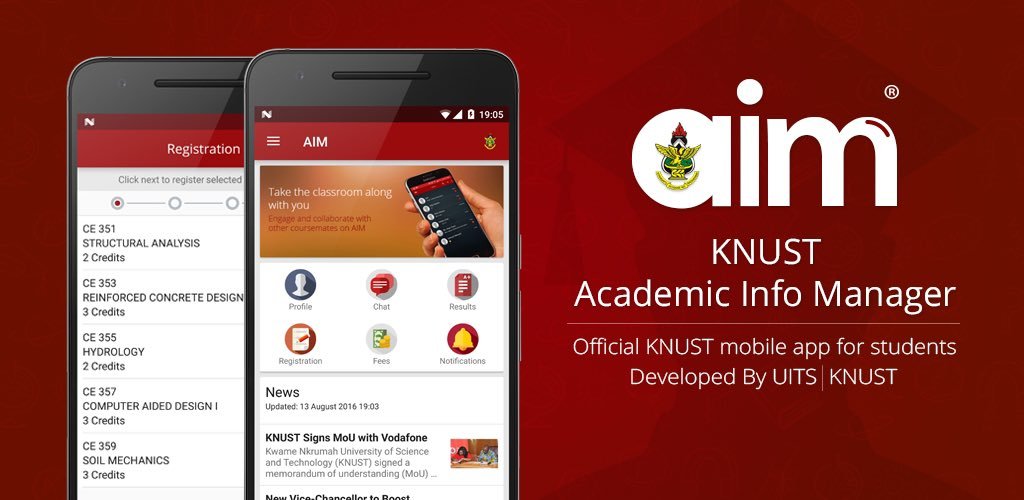
If you’re a student at Kwame Nkrumah University of Science and Technology (KNUST), checking your semester results online is quick and easy. With the university’s digital systems, you can access your grades from anywhere at your convenience.
In this blog, we’ll guide you step-by-step process of checking KNUST Semester Results in 2025.
- Advertisement -
READ MORE HERE:
- What Are My KNUST Student Credentials? How to Log In & Reset Your Password
- How to Reset Your KNUST Student Portal Login Password
- How to Calculate your KNUST CWA/GPA in 2024
- How To Check KNUST Semester Results via KNUST AIM APP in 2025
Steps To Check KNUST Semester Results in 2025
Here’s a step-by-step guide to help you check your KNUST semester results in 2025:
- Advertisement -
Step 1: Visit the KNUST AIM Portal
- Open your web browser and go to the KNUST AIM Portal at https://aim.knust.edu.gh.
Step 2: Log in with Your Credentials
- Enter your Student ID and Password in the login fields. If you’ve forgotten your password, click on the “Forgot Password” link to reset it.
Step 3: Navigate to the “My Results” Section
- Once logged in, look for the “My Results” tab on the dashboard. Click on it to view your academic records.
Step 4: Select the Academic Year and Semester
- Choose the specific Academic Year and Semester you want to view from the dropdown menu.
Step 5: View and Download Your Results
- Your results for the selected semester will be displayed. You can also download and print a copy for your records.
Tips to Keep in Mind
- Ensure you have a stable internet connection to avoid disruptions while accessing your results.
- If you encounter any issues, contact the KNUST UITS Helpdesk at uits@knust.edu.gh or visit the UITS office on campus for assistance.
Checking your semester results online is a great way to stay updated on your academic progress. Best of luck, and may your hard work pay off!
Source: knustnoticeboard.info
- Advertisement -