


- Advertisement -
The University of Health and Allied Sciences (UHAS) student portal is a centralized platform for students to manage academic activities such as registration, fee payments, and accessing results. Here’s a simple guide on how to access it.
Steps to Access the UHAS Student Portal
- Visit the UHAS Portal
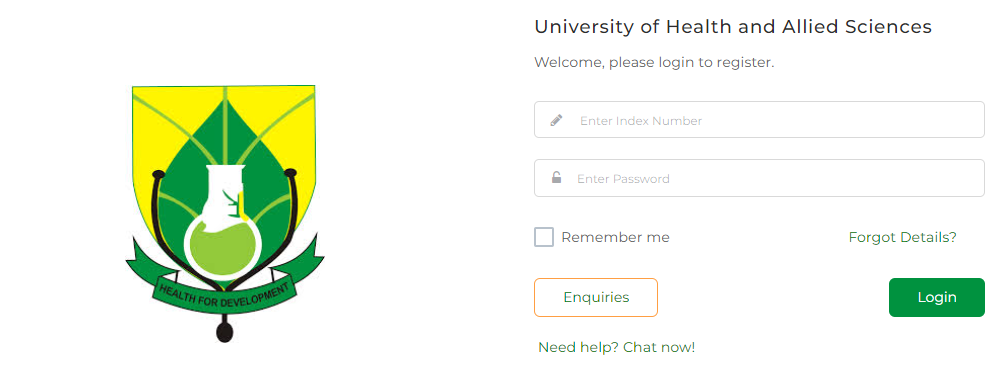
- Go to the official UHAS student portal: http://www.uhasonline.com/Portal/login.
- Log in with Your Credentials
- Enter your Student ID/INDEX Number and Password provided during admission or registration.
- Explore the Portal
- Once logged in, you can:
- Register for courses.
- Check your results.
- Pay fees and download receipts.
- Access academic schedules and resources.
- Once logged in, you can:
Troubleshooting Access Issues
- Forgot Your Password?
Use the “Forgot Password” option to reset it via email. - Need Assistance?
Contact the UHAS IT Support team for help with login issues.
Tips for Using the Portal
- Keep your login credentials secure.
- Regularly check the portal for updates on academic activities.
- Use a stable internet connection for a smooth experience.
The UHAS student portal simplifies academic management, providing easy access to vital resources. Log in today to explore its features!
- Advertisement -
Source: knustnoticeboard.info
- Advertisement -